
This site is not affiliated with any government, tax, or other official agency. Form last updated: 07/2026. Please verify you are using the current, correct version for your situation before submitting it.
How it works
1. Open the form
Access the pre-loaded form directly in our PDF editor. No need to upload anything!
2. Fill in your details
Carefully complete all required fields to ensure accuracy and validity.
3. Download as PDF
Save your filled-out form in PDF format, ready for submission or other needs.
What is Form W-2?
Form W-2, Wage and Tax Statement, for 2022 is a crucial tax document issued by employers to their employees. It details the total wages earned and taxes withheld throughout the year. This form is essential for accurately filing your income taxes, as it ensures that the IRS and Social Security Administration have a correct record of your earnings and tax contributions. If you don't have this form, your tax return may be incomplete or inaccurate, leading to potential delays or errors in your tax refund or benefits.
What is the 2022 version of Form W-2 used for?
You may need to complete Form W-2 for the year 2022 for several reasons:
- To report prior-year wages during an audit or correction.
- To verify earnings for agencies, colleges, or lenders.
- To prepare a substitute form if your original W-2 is missing.
- To dispute income or withholdings with the IRS or your employer.
- To resolve identity verification issues for government programs.
- To compare year-over-year earnings for financial planning.
How to fill out Form W-2?
Enter the employer's name, address, and Employer Identification Number (EIN) at the top.
Fill in the employee’s full name, address, and Social Security Number (SSN).
Report total wages paid in Box 1, including bonuses and taxable compensation.
Fill in federal income tax withheld in Box 2.
Enter Social Security tax withheld in Box 4 and Medicare tax withheld in Box 6.
Include any state and local income tax withheld in appropriate boxes.
Review all entries for accuracy before finalizing the form.
Who is required to fill out Form W-2 for 2022?
Anyone who did not receive their 2022 Form W-2 on time, such as employees or employers correcting errors, needs to fill it out. This ensures accurate reporting of income and taxes, whether filing late or making amendments. CookPDF can assist in completing this form for your records.
When should you file Form W-2 for the year 2022?
The 2022 Form W-2 should have been filed by January 31, 2023. If you attempt to file it in 2025, it will be considered late, and penalties can apply. Late filings have fines that start at $60 per form and increase based on how late they are. It's essential to file promptly to avoid complications and potential penalties.
How to obtain a blank Form W-2 for the year 2022?
To obtain a blank Form W-2 for the year 2022, visit our platform. The Internal Revenue Service (IRS) issues this form, which employers prepare for their employees and submit to the IRS and the Social Security Administration. Remember, CookPDF aids in filling and downloading but not filing forms.
Do you need to sign Form W-2?
No, you do not need to sign Form W-2 for the year 2022. Employers prepare and file the W-2, and employees receive it for their tax returns without needing a signature, as the IRS does not require one. This form is purely informational. For accurate record-keeping, use CookPDF to fill out the form, download it, and then handle any other necessary actions outside our platform. Always check for the latest updates regarding tax forms.
Where to file Form W-2 for the year 2022?
To submit your 2022 Form W-2, file it with the Social Security Administration (SSA) using their Business Services Online portal or by mailing Copy An of the form.
Employers must also send copies to the IRS along with Form W-3 and provide employee copies by January 31, even if filing late. If submitting 250 or more forms, electronic filing is required.
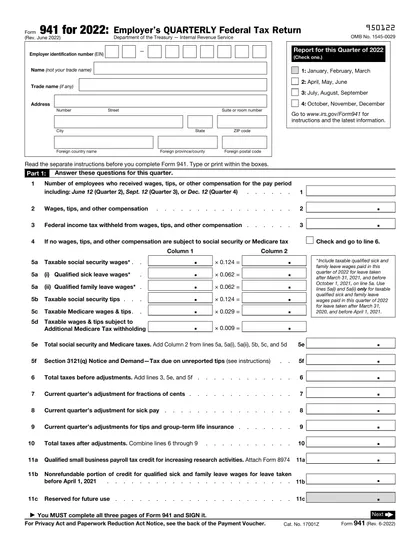
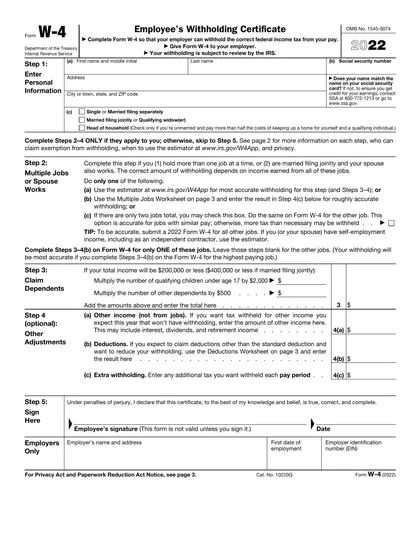
Fill Out Form W-2 (2022) Online
Download Form